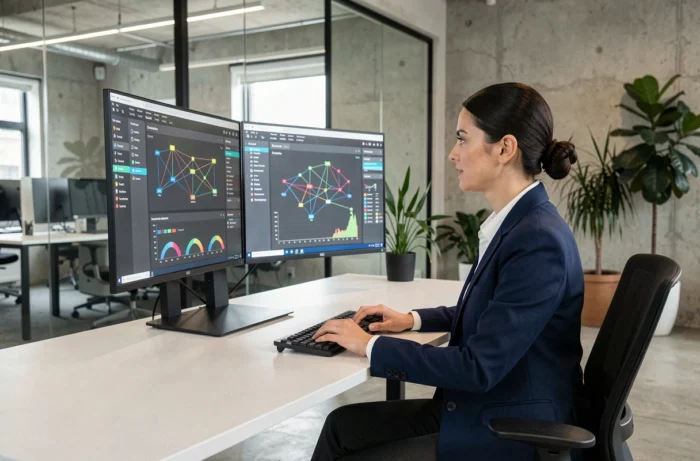
A workstation that lags, three different video conferencing tools depending on the teams, a file server that no one dares to restart: this kind of situation is common in most SMEs that have grown quickly without structuring their IT.
Optimizing a company’s IT management does not involve accumulating new technologies. It requires a thorough examination of what already exists, what is redundant, and what genuinely hinders productivity.
Streamlining the IT infrastructure: remove before adding
When auditing a fleet of fifty workstations, we often find a dozen different laptop models, two or three versions of the operating system, and locally installed software that no one uses anymore. This silent chaos generates support tickets, complicates updates, and lengthens response times.
Standardizing models and eliminating duplicates is the first concrete lever. We choose two or three machine references, unify software versions, and remove redundant tools. The benefits are quickly measurable: fewer configurations to maintain, reproducible deployment procedures, and a reduced stock of spare parts.
Companies looking to structure this approach can discover dcaclab with Pixel 23, an approach that covers hardware and software auditing before any investment decision.
Consolidating does not mean freezing. Once the foundation is clean, we can calmly assess the necessary additions without piling on solutions.
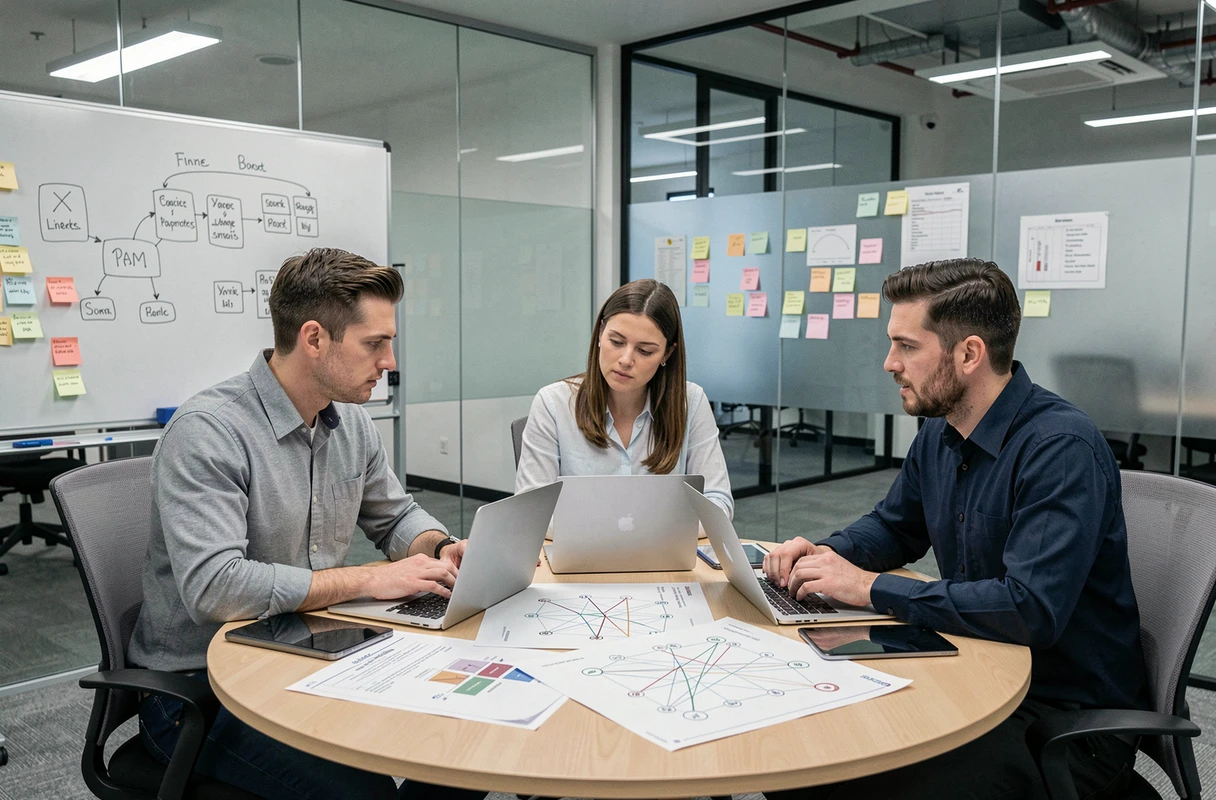
Gradual automation of recurring IT tasks
Automation is one of those buzzwords we hear everywhere, but on the ground, we find that many IT teams still spend their days manually creating user accounts, checking backups manually, or deploying patches one by one.
Prioritize by frequency and risk
Trying to automate everything at once is a classic mistake. We start with the tasks that occur most frequently and carry a high risk of human error. Three categories lend themselves well to an initial wave:
- Managing accounts and access rights, where a provisioning script prevents deactivation oversights when an employee leaves the company
- Deploying security updates, which can be scheduled and monitored by a centralized tool rather than left to the goodwill of each user
- Automatically verifying backups with alerts in case of failure, so we no longer discover a problem on the day we need to restore
Each automation must be measurable: number of tickets avoided, time saved per week, incidents detected earlier. Without indicators, we cannot know if the system is working or if it is running in vain.
Continuously adjust
Feedback varies on this point, but the logic of small cycles (automate, measure, correct) yields better results than monolithic projects. A script that poorly covers a specific case can be corrected in an hour. A poorly sized complete system, on the other hand, remains in place for months before someone dares to question it.
Data governance and compliance: an operational issue
Data governance is often associated with regulatory paperwork. In practice, it is a very concrete problem: who has access to what, where customer data is stored, and what happens when an external provider accesses the information system?
The traceability of software licenses is part of this aspect. A compliance audit can reveal expired licenses or uncovered installations, with direct financial consequences. Keeping an up-to-date inventory of licenses, support contracts, and renewal dates avoids unpleasant surprises.
Regarding data protection, the work is done at the level of internal workflows. We define clear policies: who validates external file sharing, how we encrypt sensitive data, what the deletion timeline is after the end of a contract. These rules are useless if they remain in a PDF document that no one reads. They must be integrated into the tools that teams use daily.

Multi-site support and distributed work: centralizing supervision
A company with three offices and remote workers cannot function with a technician who physically travels to each site. The classic model of local support quickly reaches its limits when the organization is geographically distributed.
Centralizing supervision in a single console allows us to see the status of all workstations, servers, and network equipment from one point. Alerts come in real-time, and remote assistance takes over for interventions that do not require physical presence.
The main challenge remains the uniformity of the environment. If each site chooses its own tools or configures its equipment differently, centralized supervision loses its effectiveness. Here we find the direct link with the streamlining of the fleet mentioned earlier: a standardized environment is much easier to supervise and maintain than a patchwork inherited from mergers or unplanned growth.
- Deploy the same software foundation across all sites, with configurations managed centrally
- Implement a remote assistance tool that works well both on-site and for remote workstations
- Document local specifics (network connection, specific hardware) in a database accessible to the entire IT team
IT management in a company becomes more efficient when we treat these issues as a coherent whole rather than as isolated projects. A clean fleet facilitates automation, which in turn frees up time for governance and support. Each component strengthens the next, provided we start with what is problematic today rather than what shines in a catalog.